PSC FALCON 315 Guía de usuario Pagina 78
- Pagina / 138
- Tabla de contenidos
- MARCADORES

- PowerNet 1
- Twin Client 1
- CONTENTS 3
- PowerNet Twin 7
- Client Emulator 7
- What is PowerNet Twin Client 9
- Getting Started 11
- Installation 13
- Starting PowerNet Twin Client 16
- Figure 1-1 17
- Start Screen 17
- PowerNet Twin Client 17
- (C) 1991-1998, Connect 17
- Press Any Key to Continue 17
- Edit Host List 19
- Edit Authorization 20
- Running Emulator 22
- Viewport Panning 23
- Configuration Utility 25
- Figure 2-1 27
- Table 2-1 28
- Default VT100 28
- Available Values 28
- Figure 2-2 29
- Figure 2-3 30
- Figure 2-4 32
- Auto Send Key 33
- Key Click 33
- Case Conversion 33
- The Display Tab 35
- Lock Column 37
- Scroll Mode 37
- Mapping Object 39
- Dialog Object 39
- Formatter Object 39
- Double High 41
- Double Wide 41
- Reverse Video 41
- Wait Message 41
- Figure 2-9 42
- The Scanner Tab 43
- Figure 2-10 44
- Binary-128 45
- Data Mapping Object 45
- Data Editor Object 45
- The Log Levels Tab 46
- Figure 2-11 47
- Figure 2-12 48
- AP Polling Options Group 49
- The Alarm Tab 51
- Duration 53
- Frequency 53
- Scan Duration 53
- Scan Frequency 53
- Figure 2-15 54
- Init Object 55
- The Misc Tab 56
- CTRL-E) 57
- Load New Configuration 58
- Advanced 59
- Keyboard Options 59
- Keyboard Macros 61
- Advanced Keyboard Options 62
- Figure 3-1 63
- Keyboard Mapping 65
- Display Options 67
- 0xa5=0x9d,xlat; 69
- 0xa4=0x9b,xlat; 69
- Advanced Display Options 70
- Scanner Options 71
- Advanced Scanner Options 74
- Figure 5-1 75
- Build Data Editor Object File 77
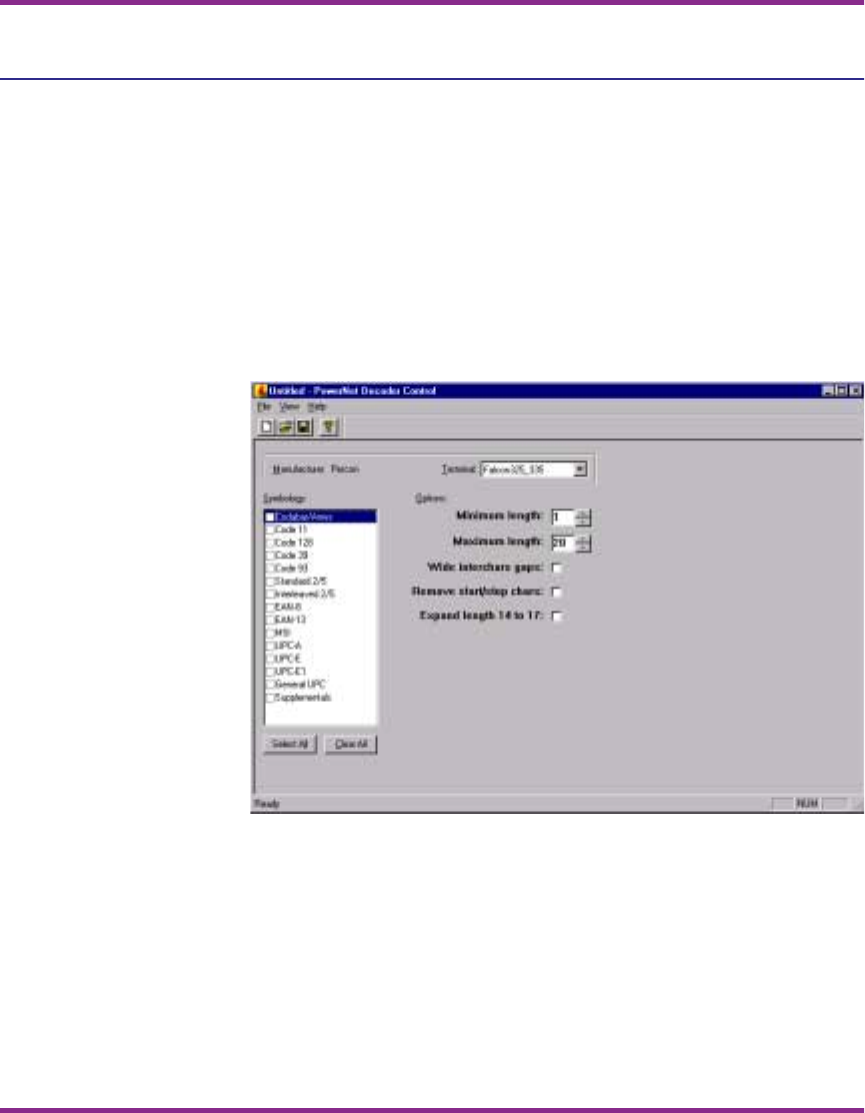
- Decoder Control Object 78
- Extended Commands 79
- Input Mode 82
- Input Validation 83
- Double High/Wide 84
- Beeper Control 85
- Video Attributes 86
- Screen Capture Utility 87
- Start Screen Capture 89
- Identify Terminal Host 90
- Figure 7-1 91
- Capture Screens 92
- Starting the Screen Formatter 95
- Figure 8-1 96
- Screen Formatting Concepts 97
- Screen Elements 97
- Screen Formatter Environment 98
- Figure 8-2 99
- Figure 8-3 Screen Formatter 100
- Mark Screen Elements 101
- Screen Formatter Utility 102
- Figure 8-5 103
- Build Terminal Screen 104
- Figure 8-6 105
- After Reformatting 106
- APPENDIX A: 107
- Model VT 109
- Models 3270/5250 110
- APPENDIX B: 111
- Table B-2 116
- APPENDIX C: 117
- Table C-2 122
- APPENDIX D: 123
- Table D-2 128
- 00-649-00 138
Relacionado con productos y manuales para Lectores De Códigos De Barras PSC FALCON 315
 (24 paginas)
 (168 paginas)
© 2020, manymanuals.es. Todos los derechos reservados | 0.042 s |
 Manymanuals.com
 Manymanuals.de
 Manymanuals.fr
 Manymanuals.it
 Manymanuals.pl
 Manymanuals.cz
 Manymanuals.es
 Manymanuals-pt.com
Comentarios a estos manuales